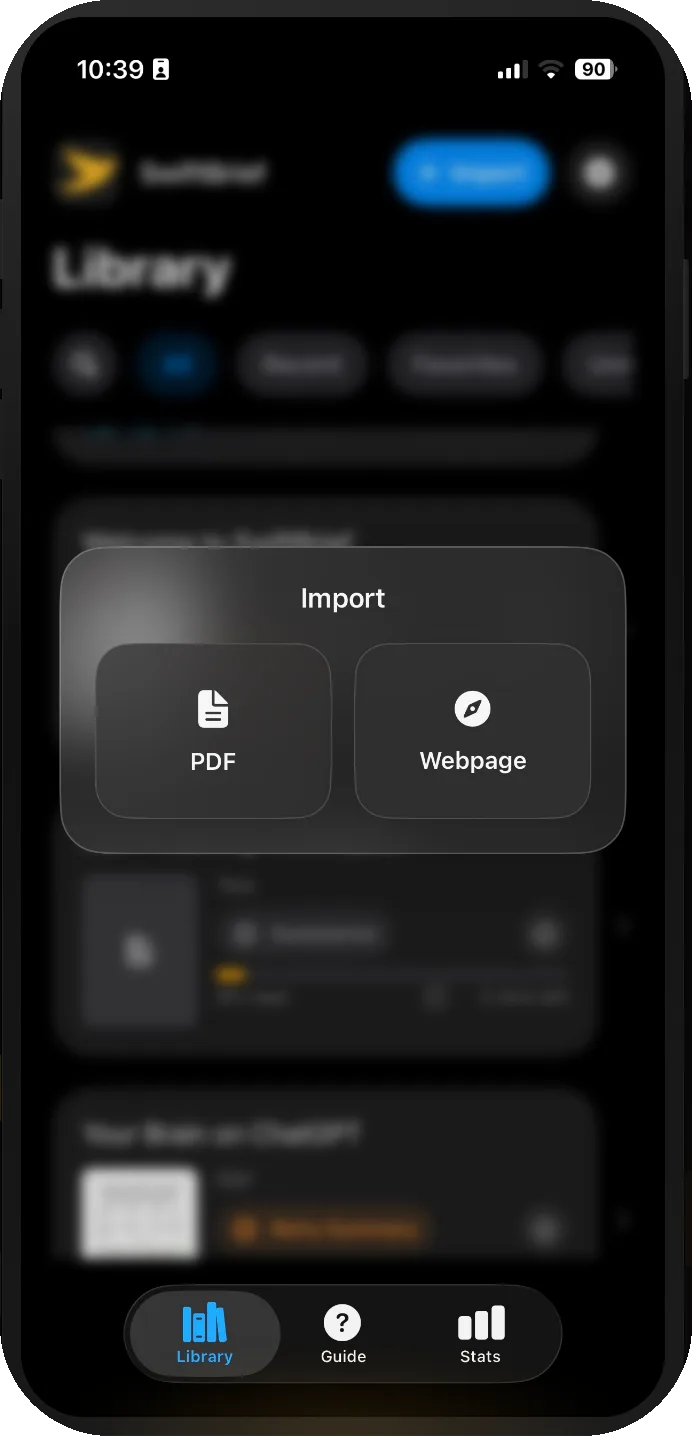
Import in seconds
Bring in a PDF or EPUB from Files, iCloud Drive or OneDrive, paste a web address, or send a link or PDF straight from the share sheet.
Speed reading for PDFs, EPUBs and web articles
SwiftBrief guides you through a document one word at a time while the original page stays in view. Import a PDF, an EPUB or a web article, set your pace, and pick up exactly where you left off. Everything stays on your device.

US$2.99 one-time purchase. No subscription, no account.
iPhoneiPadMac with Apple silicon

The same library, reader and stats on Mac, iPad and iPhone, with a companion reader for Apple Watch on the way.
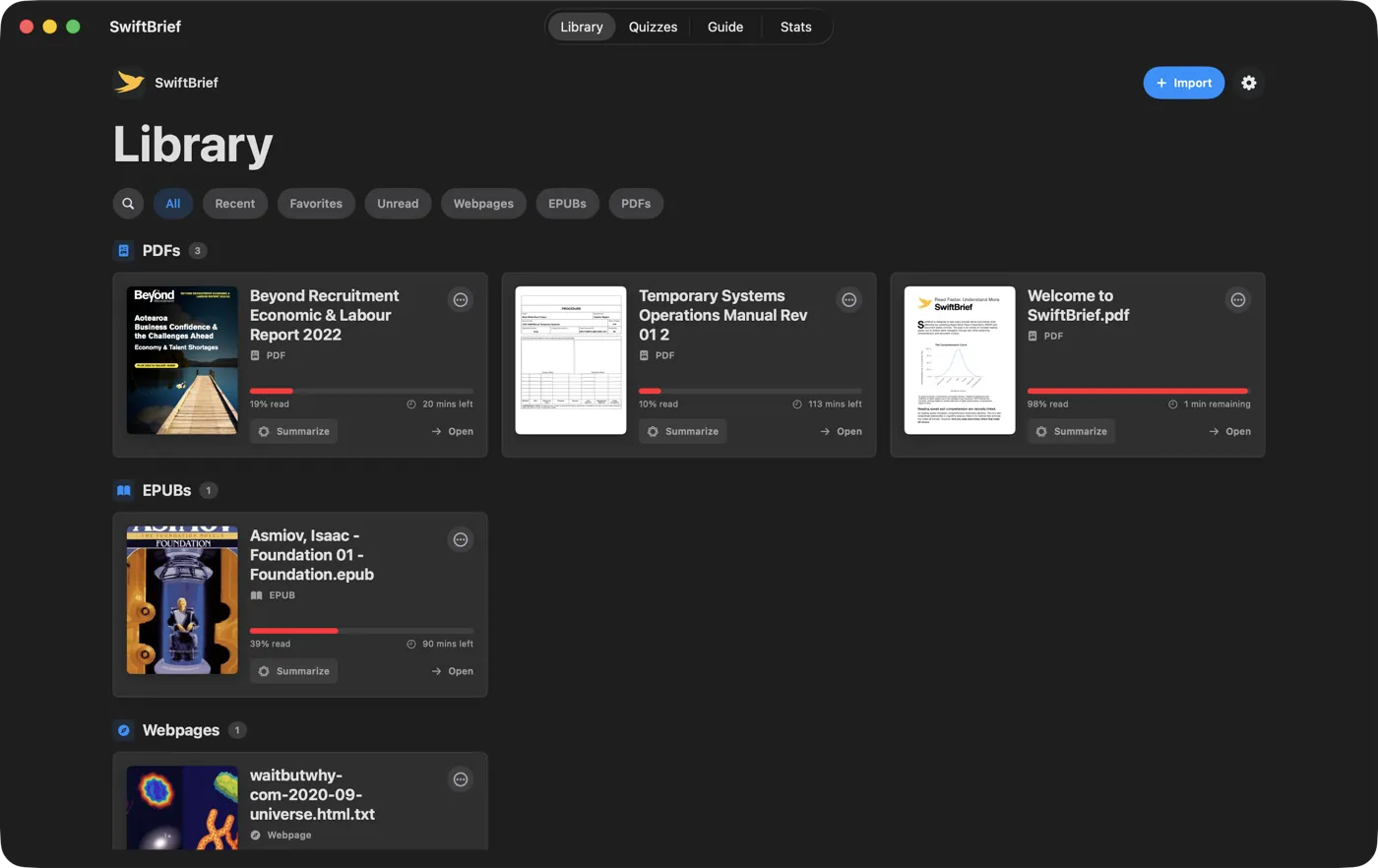
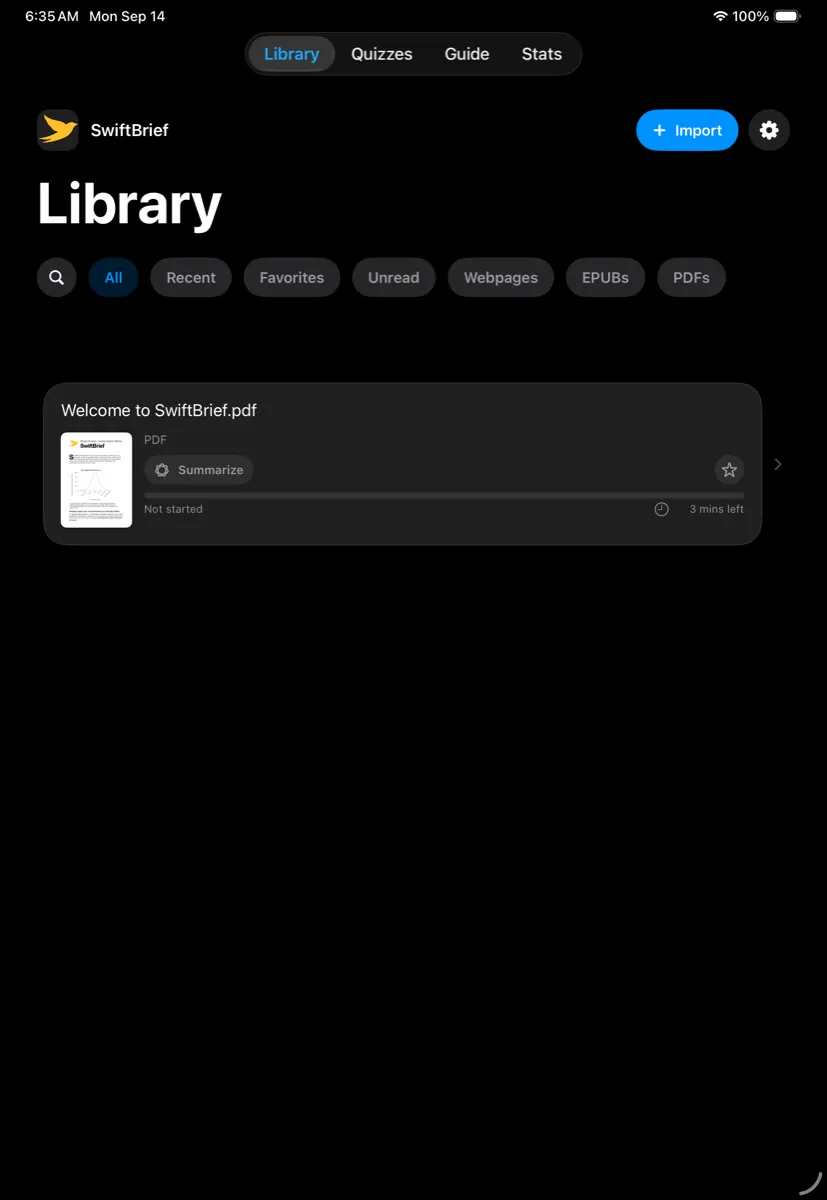
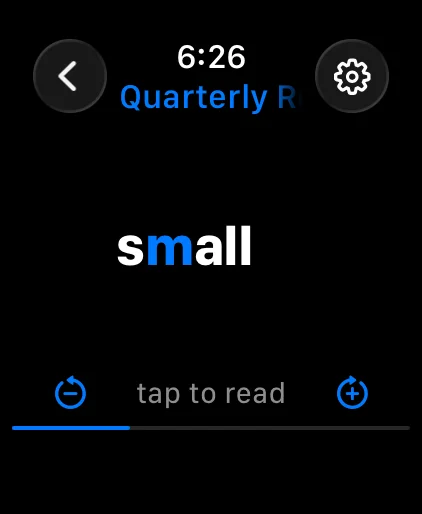
There is no sync between devices: each one keeps its own library.
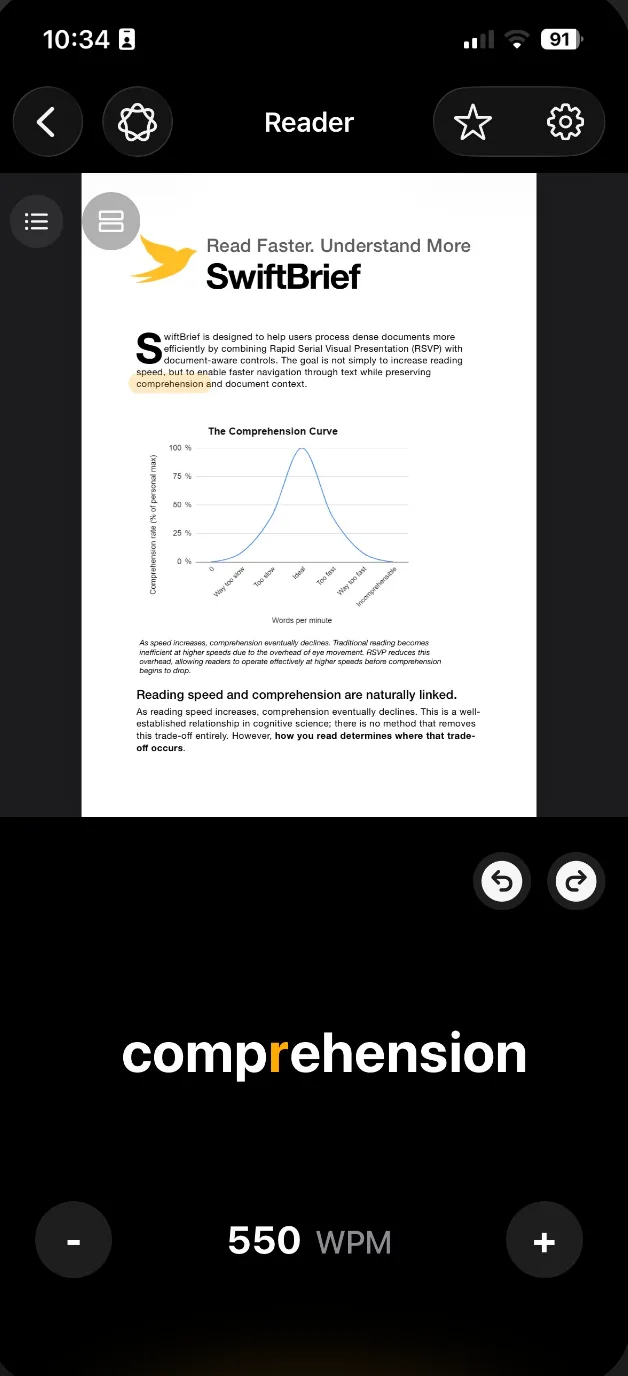
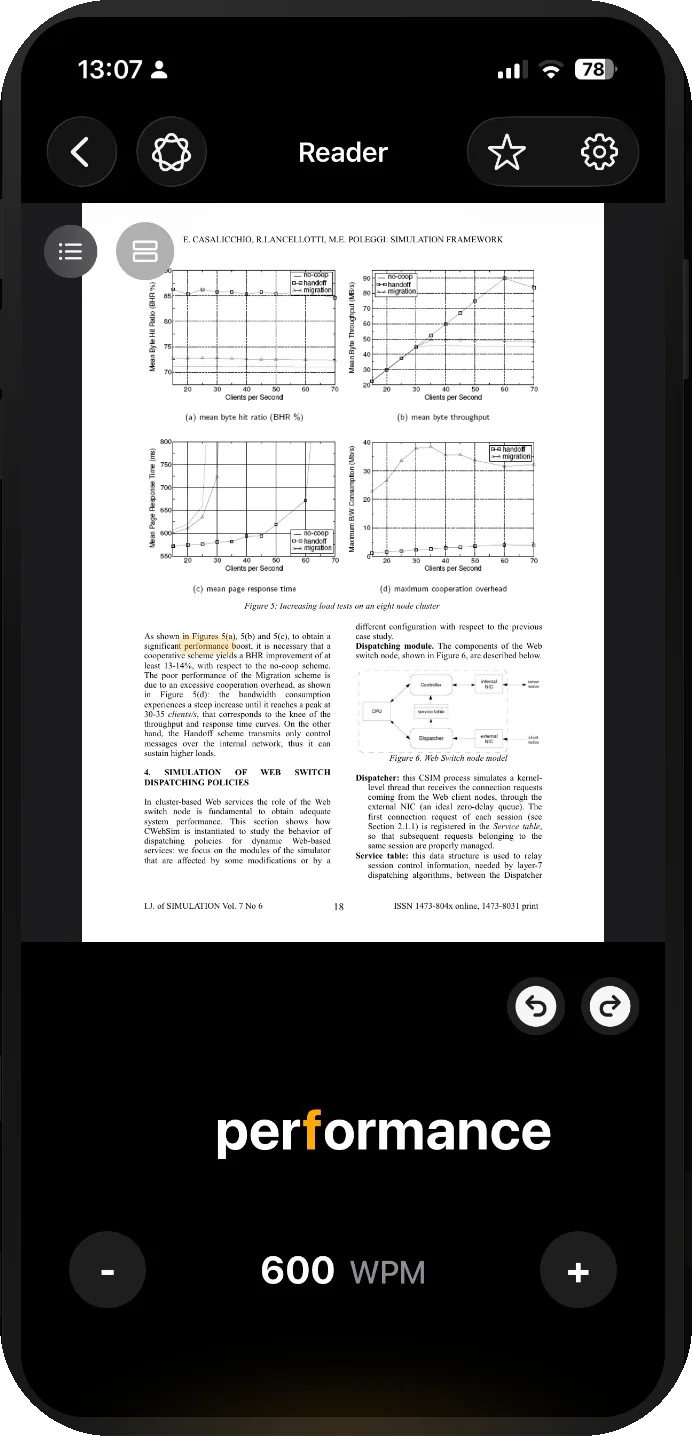
Most speed readers strip the document away and flash words at you. SwiftBrief keeps the source visible, so a chart, a heading or a footnote is always a glance away.
Everything above works. Tap the word to play or pause, use the round buttons to skip and change speed, then try the reader settings here.
Words appear one at a time at a fixed point, so your eyes stop scanning and start reading. Tap to pause, skip back or forward twenty words, or change speed mid-flow without losing your place.
The page stays above the word and follows along. Highlight just the word being shown, or the whole line it sits on, so a glance up always lands in the right place.
The demo uses the app's own timing rules. Long or technical words get a little longer, common words a little less, and sentences end with a breath. Switch between Minimal, Moderate and Strong to feel the difference.
Bring in a PDF or EPUB from Files, iCloud Drive or OneDrive, paste a web address, or send a link or PDF straight from the share sheet.
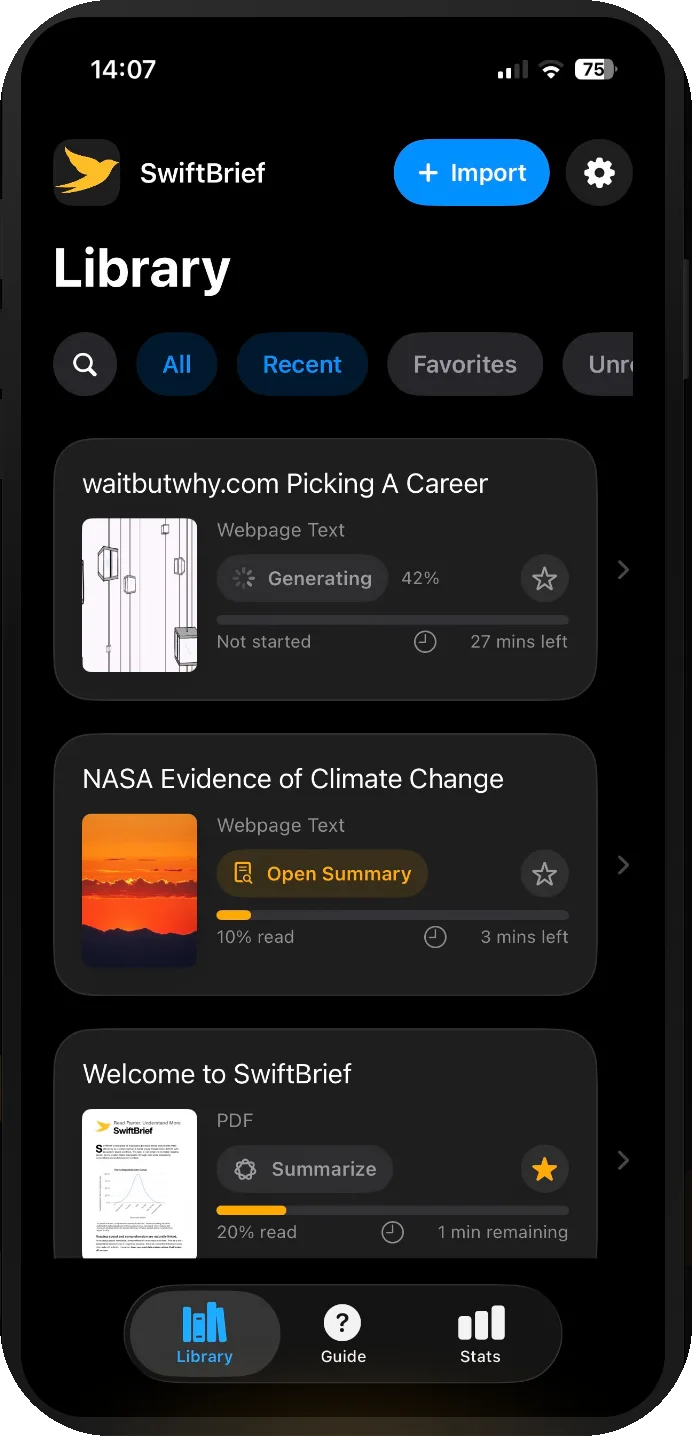
Filter by Recent, Favourites, Unread, Webpages, EPUBs or PDFs. Search by title, rename items, and see progress and time remaining at a glance.
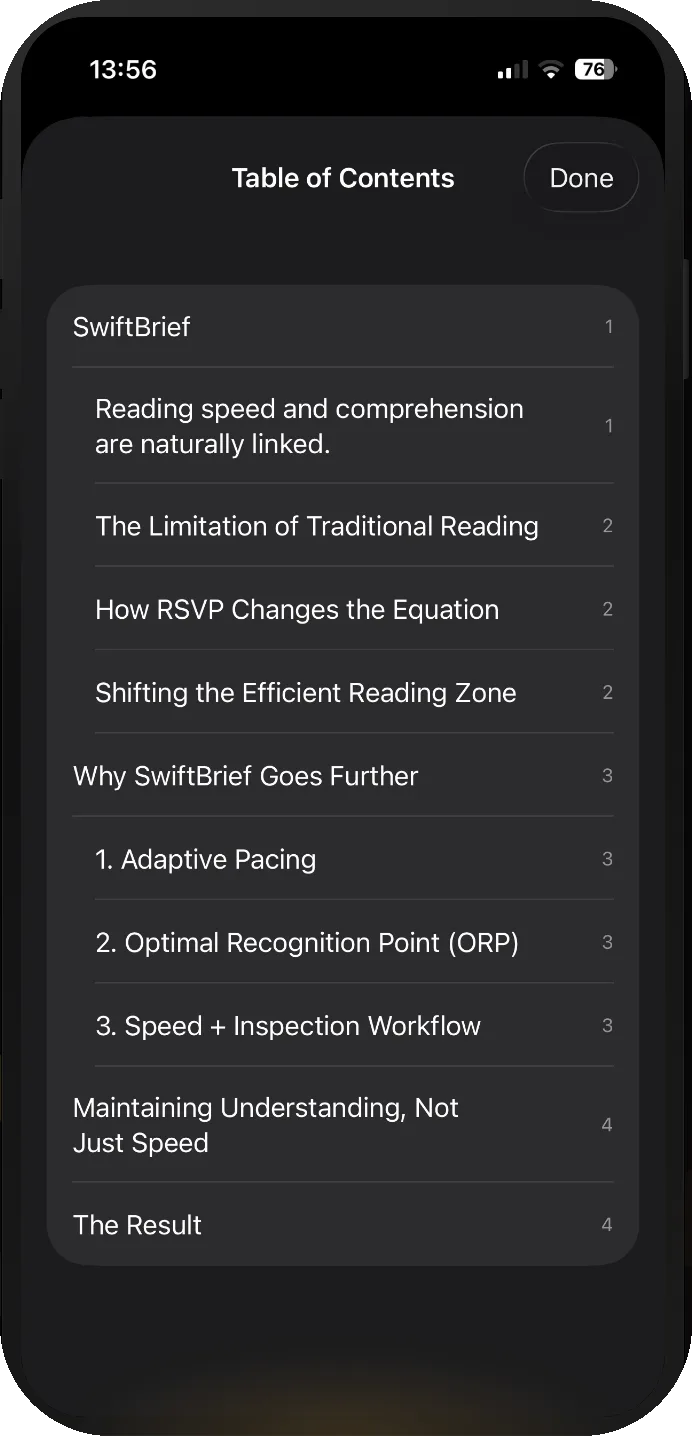
Jump by chapter from the table of contents where the PDF provides one, or scrub through page thumbnails and resume reading from any page.
Set your words per minute, font size, accent colour, handedness, dark mode, highlight behaviour and whether reading auto-starts.
On supported Apple devices, SwiftBrief can generate a document summary with Apple Intelligence and open it straight back in the reader. Nothing leaves your device.
Optional. Requires a device that supports Apple Intelligence.
The Stats tab tracks time saved, your personal best speed, completion rate, words read over the last seven days, and reading milestones.
On iPad the page sits above the reader at full width, with the document name, page count and progress alongside the controls. The same app runs on Mac with Apple silicon.

SwiftBrief is local-first. There is no account to create and no server on the other end.
Imported PDFs, EPUBs and articles, your reading position, settings and stats are stored on the device you are using. They are not uploaded anywhere.
Open the app and start reading. No email address, no password, no tracking profile.
When available, summaries use Apple Intelligence running on your own device rather than a cloud service.
Read the full privacy policy.
A companion Apple Watch app is on its way. Summaries and quizzes you create on iPhone will appear on the watch on their own, and you can read a summary one word at a time with the Digital Crown setting the pace. Your position carries back to the phone. It travels straight between the two devices with no account and no cloud, and it reads summaries rather than whole documents.

US$2.99 one-time
Pay once on the App Store. No subscription, no in-app purchases, no account. Price varies by region.
Questions first? Get in touch.